 now showing
v0.10.8 · free
Rattleboard
A split-flap message board for your Mac, PC or browser. It waits in the menu bar or the system tray, and when a message arrives it flips into view, rattling through every letter on the way. Pin it to the desktop, or give a spare computer to it full screen.
Compose messages and sequences and send them to every board you own. Scripts can post to its built-in API, and it can mirror another Rattleboard, or a Vestaboard if you have one.
And your AI coding agents can use it: walk away from a long task and the board tells you when it's done, or when it needs you.
new · mcpYour AI agents can use the board: Claude Code, Cursor, Codex & more →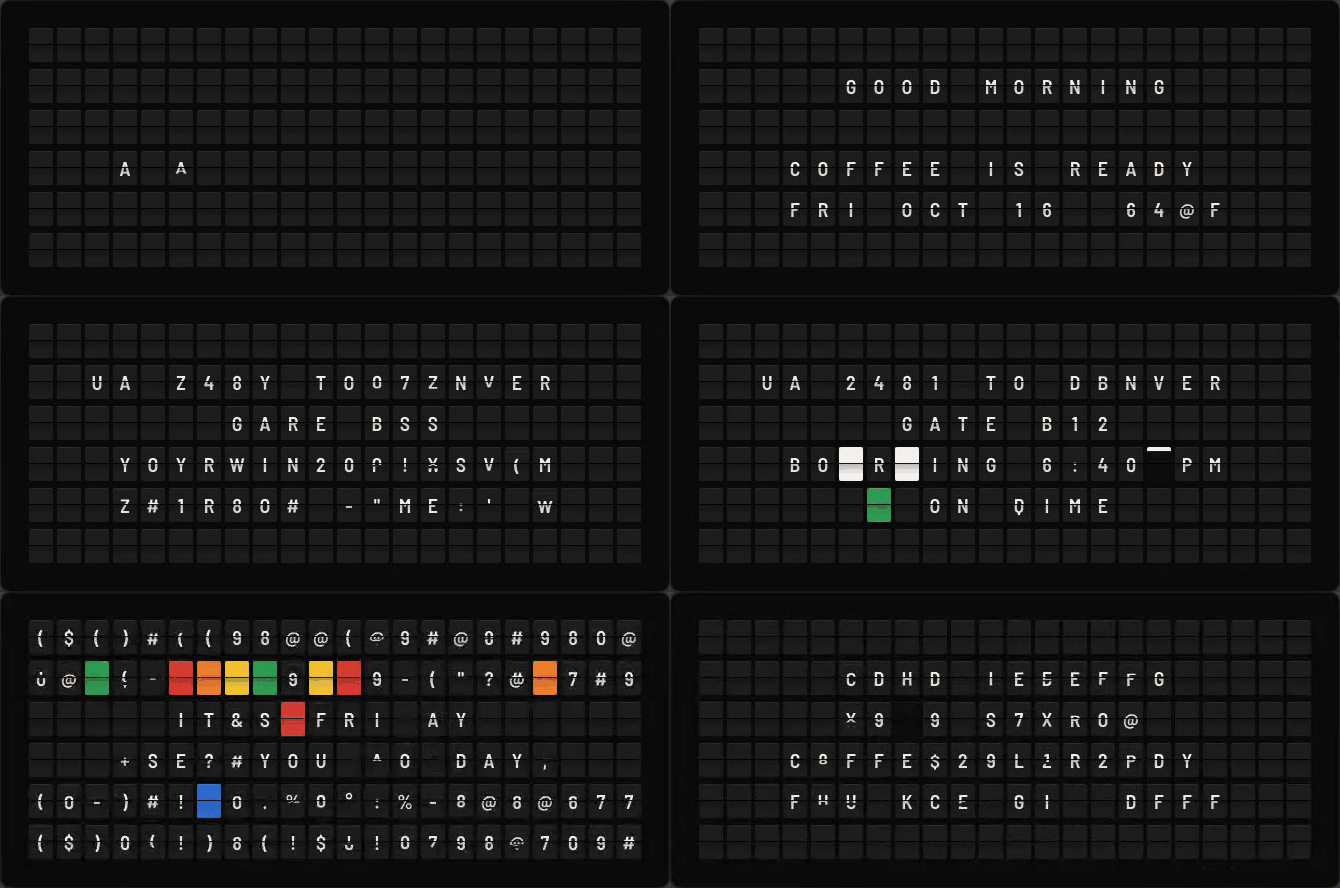
agents · tell me when it's done
Your AI agents, on the board across the room.
Coding agents can work through a long task on their own, so there's no need to sit and watch them. Rattleboard has a built-in MCP server, so Claude Code, Cursor, Codex and friends can put a message on the board as a tool call: TESTS PASSED when the work is done, NEED YOUR INPUT when they're stuck.
Setup is one click in Settings → Agents, and the key never leaves your keychain.
- 1CONNECTSettings → Agents finds the agent apps you have. Click Connect: you see the exact change first, and a backup of the file is kept.
- 2ASKStart a new session and tell your agent: “When you finish, put DONE on my Rattleboard.”
- 3LOOK UPGo and make a coffee. The board across the room flips when the work is done, or when the agent needs you.
- Claude Code
- opencode
- Claude Desktop
- Cursor
- Codex CLI
- Gemini CLI
- VS Code (Copilot)
Status, message, layout and sequence tools, plus a look at what the board shows now.
- send_message
- show_status
- send_layout
- list_boards
- play_sequence
- get_board
Turn on alerts and the app's own hooks flip up “Claude Code is done” or “Claude Code needs you”, with the project's name. No prompt needed. Off by default.
This computer, a TV, another computer, a group, or Rattleboard Web in Docker, which serves MCP over HTTP at /mcp.
During a Focus, Do Not Disturb, a call or a slideshow the board updates quietly. A message sent as an alert still gets through, if you let alerts through.
Connect installs a short skill that teaches the agent when to post and to keep it brief, so you get a heads-up, not a running commentary.
It runs on your computer. The key stays in your keychain, never in an agent's config. Agents can show messages; they can't change settings or read keys.
departures · where the messages come from
what it does
Rattleboard sits in the macOS menu bar or the Windows system tray. When a message arrives, the board flips into view, then tucks itself away again.
Pin it as a desktop widget and it stays wherever you drop it. Drag the corner to resize it.
Full-screen mode turns a spare Mac, an old laptop or a mini PC into a dedicated board. It starts at login and keeps the display awake.
The flaps cycle through the full drum: blank, A to Z, 0 to 9, punctuation, then the colour chips. A synthesized mechanical clatter plays along, if you want it to.
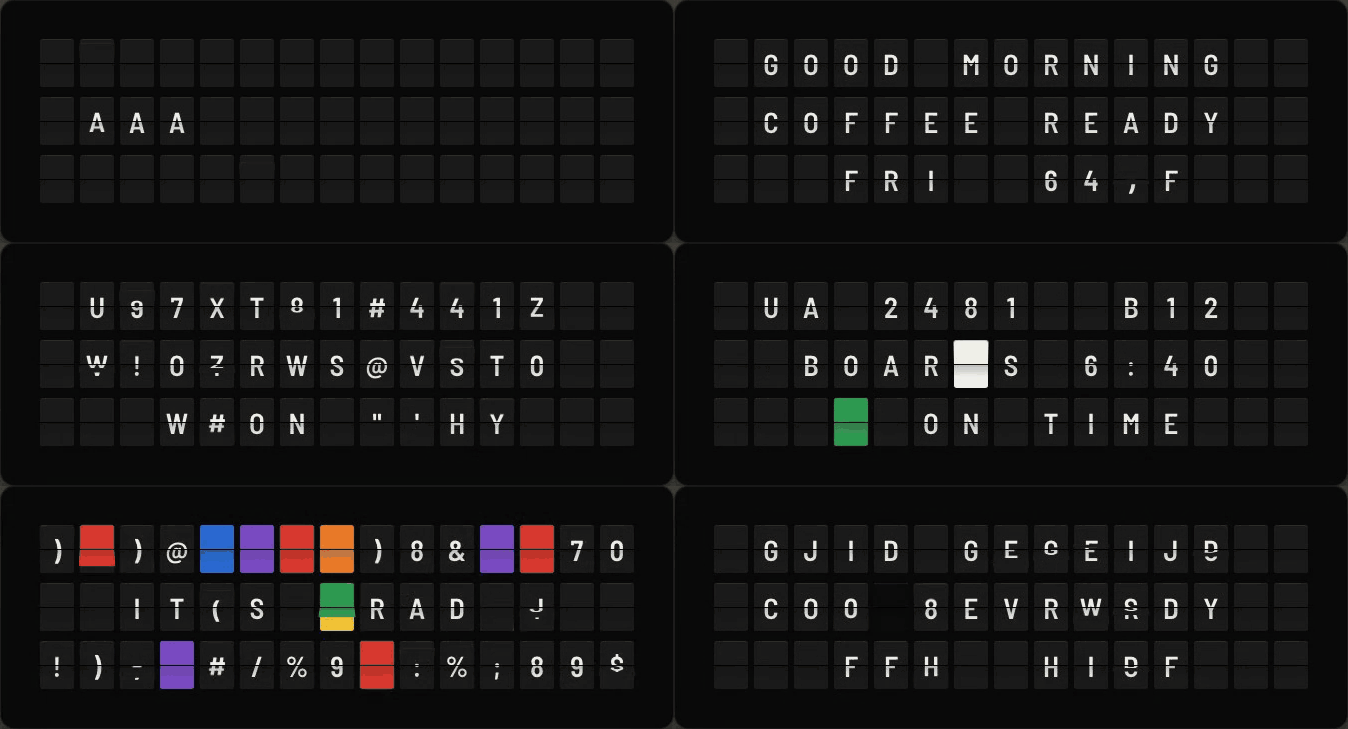
Standard (6 × 22), Compact (3 × 15), Large (8 × 30) or a custom size. A pop-up can match whatever size each message was sent at.
Type a message or paint the grid tile by tile, then pick a transition: column, row, diagonal, edges to centre or random.
String frames together with a hold time for each, loop them, and let the receiving board play them on its own.
Send to one board, a group or every board you own at once. You see a result for each board, with Retry for any that missed it.
Recent messages stay in a history. Flip one again, resend it to another board, or open it in Compose to edit.
Keys live only in the macOS Keychain or Windows Credential Manager. No analytics, no accounts, no server of ours.
sources · something to say
A board that keeps itself interesting. Pick sources and Rattleboard rotates between them: the time, a countdown, the weather, the news, a quote. Everything runs on the board itself, with no account and no server of ours. The phone and TV apps get the same sources, and a phone can set up a TV's rotation from the couch.
It stays calm. Repeats are skipped, bursts are rolled into one digest, alerts interrupt and then hand back, and quiet hours keep it still at night. Up next shows what is coming and why.
Leave a spare computer or TV running as a standalone board, or make it the hub that feeds your other boards, a real Vestaboard included. On Android, doorbell and parcel notifications from your smart-home apps become a clean alert card for a minute.
Plugins are small files. Point one at a feed or an API, say which fields to show and how often, and drop it into Settings → Sources. Share them as files or links. Any keys they need go in your keychain, never in the file.
Community plugins. Browse and install plugins other people have made from Settings → Sources → Community plugins, or share your own on GitHub. The contributor guide walks you through writing one, step by step. When a template isn't enough, a plugin can be a short JavaScript script: it runs in a sandbox, can only reach the websites it lists, and never sees your keys.
{
  "format": 1,
  "id": "com.example.hn",
  "name": "Hacker News",
  "kind": "rss",
  "fetch": { "url": "https://hnrss.org/frontpage", "every": "15m" },
  "card": { "template": "{{name}}\n{{title}}", "chip": "orange" },
  "priority": "ambient"
}
on your desk · a notification centre
The computer you already use is a board too. On a Mac, Rattleboard drops down under the clock when a message arrives. On Windows, it pops up above the clock. It flips through the message, waits while your pointer is over it, then tucks away.
It respects your Focus. While a Focus (macOS) or Do Not Disturb (Windows, GNOME, KDE) is on, or you're in a call or presenting, the board updates quietly without popping up or clattering. When you're done, one pop-up says what came in. Urgent alerts can still get through. Or pause pop-ups from the menu for an hour, two hours, or until you're ready.
Point your build server, cron jobs or Home Assistant at its API and the board tells you when a deploy finishes or someone is at the door. An Android phone can forward the notifications you pick. On Windows, Rattleboard can show your other apps' notifications too.
Messages from your scripts, your smart home and your phone pop up on the computer you're already using, then tuck away.
second life · old screens, new boards
That old laptop in a drawer is a split-flap display. Computers, tablets and phones that are too slow for everyday use are still good at showing a board full screen. Running Rattleboard on one keeps a working screen in use instead of sending it to e-waste.
Prop it on a shelf, mount it by the front door, or plug an old mini PC into a spare monitor. Each one can be a board of its own, a mirror of another board, or part of a group you send to all at once.
The macOS, Windows, Linux, Docker, Android and Apple TV versions are available now. The iPhone and iPad version is coming soon; its link will be posted here when it is out.
how they connect
The old device is the board. Scripts, smart-home automations and your phone send it messages over your network.
Every screen shows the same board. Mirror a Rattleboard on your Wi-Fi, or a Vestaboard through its Local or Cloud API.
Keep your own clock, weather and feeds, and still see what's sent to the kitchen Vestaboard or a friend's Rattleboard: it pops up when it changes. Two boards can follow each other without a message bouncing back.
Compose once and send it to a group or to every board you own. Each board lays the message out to fit its own size.
An Android phone forwards notifications from the apps you pick, such as a doorbell or a delivery, then the board goes back to what it was showing.
a board of your own
Rattleboard has an optional built-in API server. Send it text or a grid of tiles, with a transition if you like, or a whole sequence for it to play by itself. It also accepts the Vestaboard Local, Read/Write and Cloud API request formats, so existing scripts work unchanged.
It uses a random key kept in the OS credential store. By default it only accepts requests from this computer. Turn on network access and it shows a QR code that pairs a phone in one scan.
curl -X POST http://127.0.0.1:7070/local-api/message \
  -H "Authorization: Bearer <key>" \
  -d '{"text": "Build passed {g}", "strategy": "column"}'
Get it
Free and MIT licensed. Version 0.10.8. Pick your platform; every download is on the releases page. If it earns a spot on your desk or your wall, you can buy me a coffee on Ko-fi.
- Install with Homebrew (newer Homebrew asks you to trust the tap first), or download the DMG and drag Rattleboard to Applications.
- Open it. It lives in the menu bar; signed and notarized, so it opens without warnings.
- Settings → Display to pin it to the desktop or run it full screen.
brew tap slastrina/tap
brew trust --tap slastrina/tap
brew install --cask rattleboard- Download the setup .exe (or the .msi for managed installs).
- Run it (if SmartScreen appears, choose More info → Run anyway). Rattleboard sits in the system tray, by the clock.
- Settings → Display to pin it or run it full screen; it can start at login.
- Download the .deb and install it with apt, or use the AppImage on any distribution.
- Open Rattleboard from your apps. On GNOME, the AppIndicator extension shows its tray icon; without a tray it opens as a window.
- Keys go in your keyring (GNOME Keyring or KWallet).
sudo apt install ./Rattleboard_0.10.8_amd64.deb- Download the arm64 .deb on the Pi and install it with apt.
- Settings → Display: full screen, start at login, full screen at launch.
- Turn off screen blanking in raspi-config, and it's a dedicated display.
- Or run the Docker image and open Chromium in kiosk mode at http://localhost:7070.
sudo apt install ./Rattleboard_0.10.8_arm64.deb- Run the container. The board, the API and Sources all live in it.
- Open http://<server>:7070 on any screen; tap once for full screen.
- Get the API key with: docker exec rattleboard rattleboard-web key
- Add it to Home Assistant as a Webpage card.
docker run -d --name rattleboard --restart unless-stopped \
-p 7070:7070 -v rattleboard:/data slastrina/rattleboard-web- Install Rattleboard from the App Store; one purchase covers iPhone, iPad and Apple TV.
- On a phone, scan a board's pairing QR (Settings → API server → Pair a phone) to send to it.
- On Apple TV it opens as a full-screen board with its own Sources; pair your phone from its menu.
- Add the home-screen widget to see the board at a glance.
- Install Rattleboard from Google Play, on your phone, tablet or TV.
- On a phone, scan a board's pairing QR to send to it; optionally forward the notifications of apps you choose.
- On a TV it opens as a full-screen board with its own Sources; ◀ ▶ on the remote skips to the next card.
Vestaboard is a trademark of Vestaboard, Inc. Rattleboard is not affiliated with or endorsed by Vestaboard.